


Understand Staffs Dashboard
From Staffs Tab > All Staffs you can go to All Staffs page to view all the staffs details. Below is the dashboard view of the Staff module:
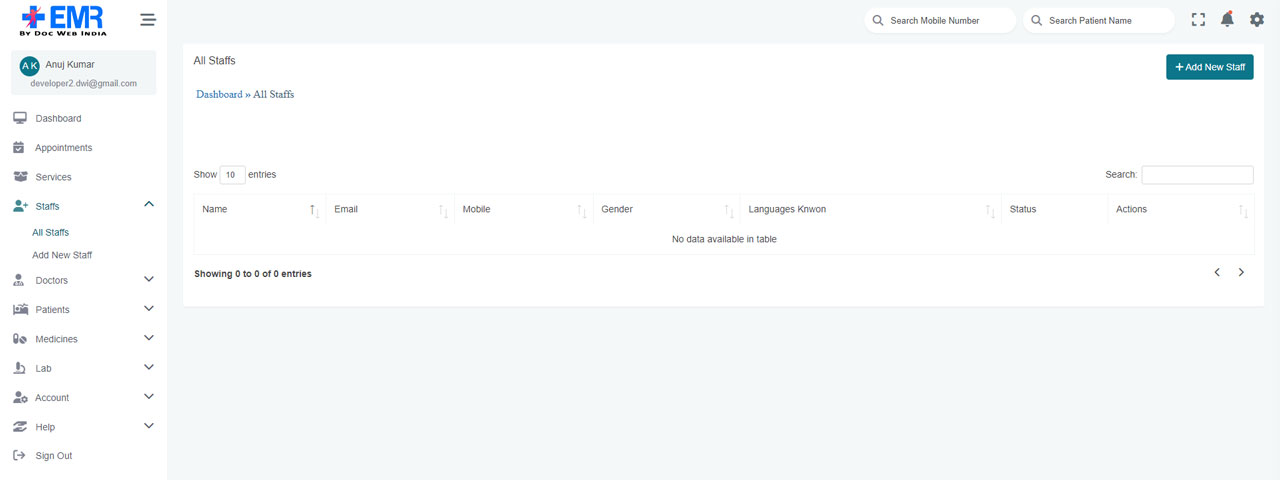
You can see action buttons under the Action Cell:
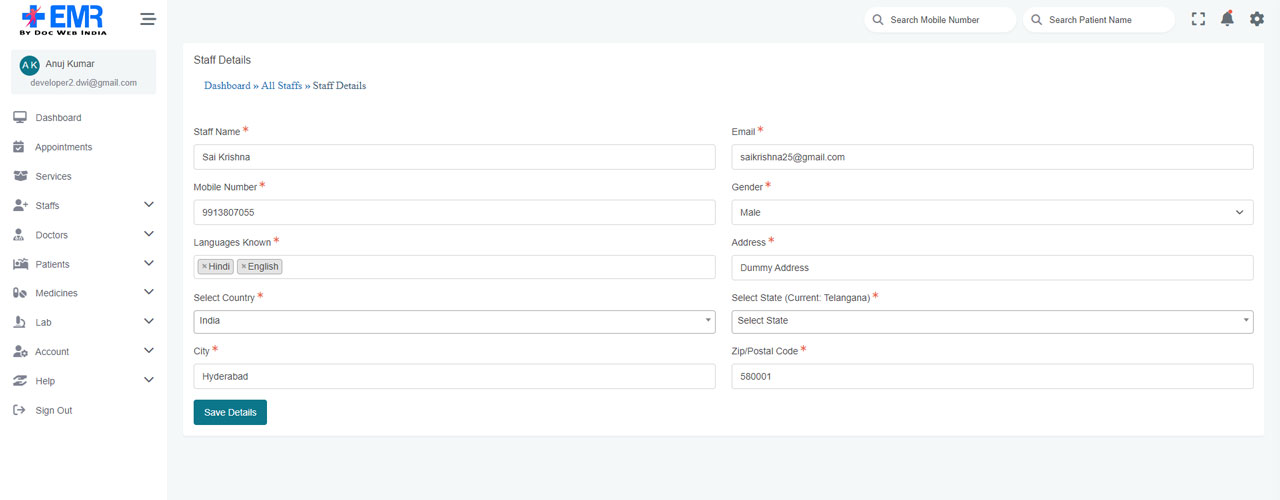
View Staff DetailsWhen you will click on button, it will lead you to following page from where you can view & edit staff details:
When you will click on button, popup will appear and you can confirm if you want to delete the staff record.
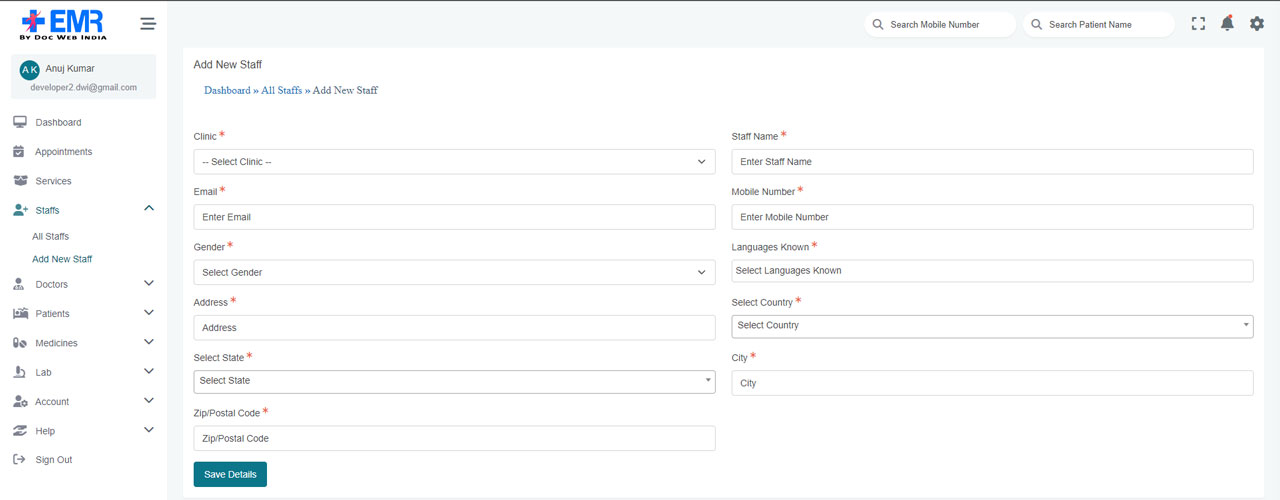
By clicking on the Add New Staff button you can access to add new staff form, fill the details and add new staff.
Currently only admins can access the dashboard. In future you will have access to give permissions to your staffs to access the dashboard.