


Patients Reports
From Account Tab > Reports you can go to All Reports page to view all the available reports. Below is the dashboard view of the All Reports page:
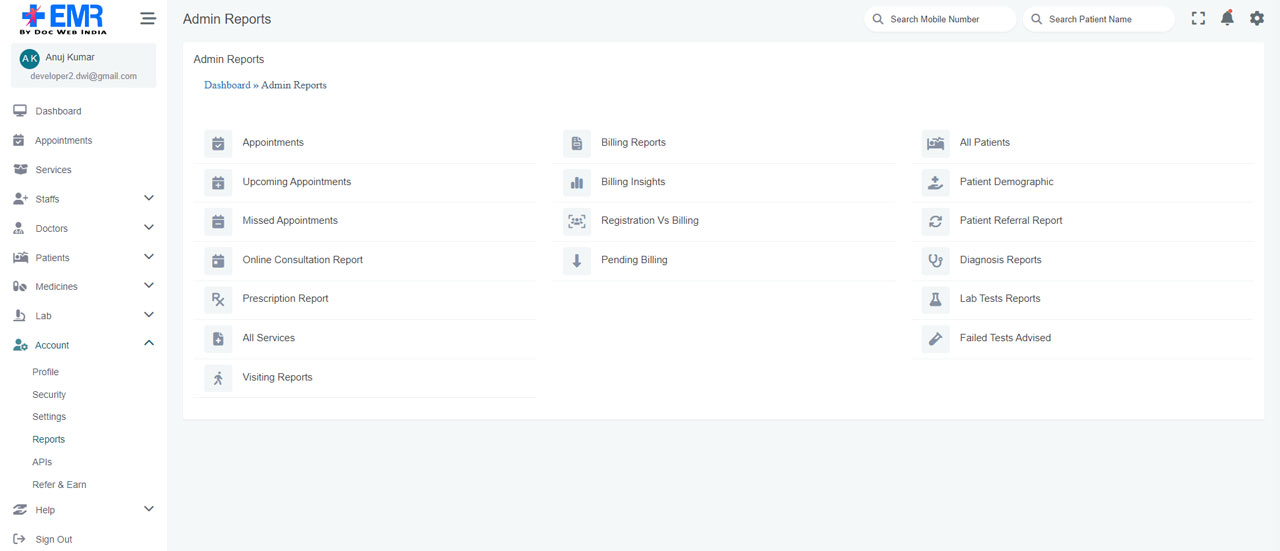
Third column of reports belong to Patient Reports:
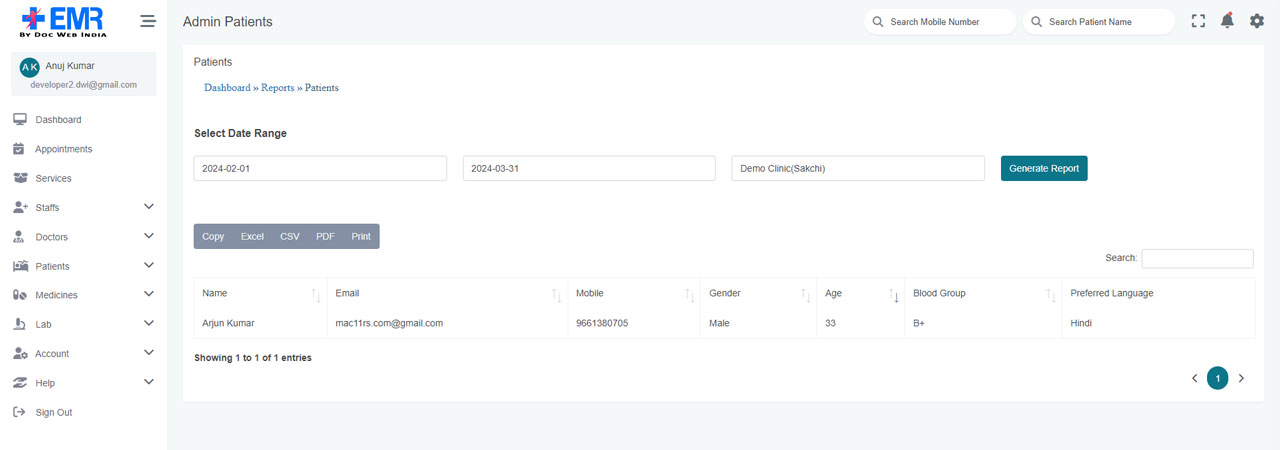
All PatientsWhen you will click on All Patients button, it will lead you to following page from where you can view all patients reports.
Here you can select from date, to date and the clinic/hospital for which you want to generate report and hit Generate Report button:
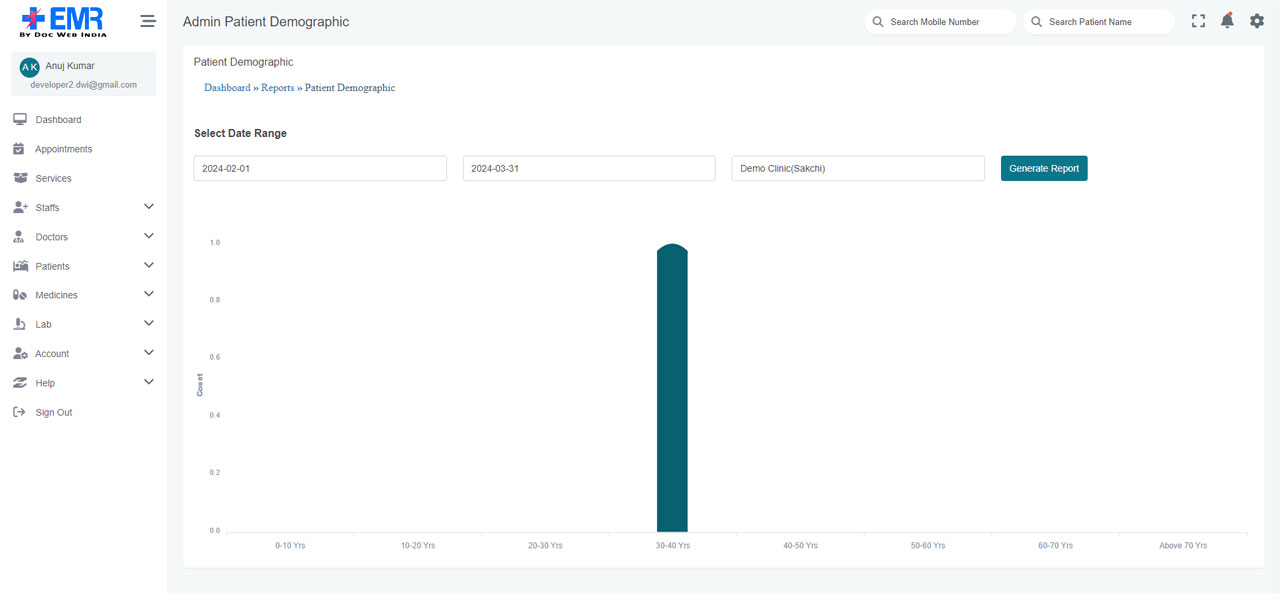
When you will click on Patient Demographic button, it will lead you to following page from where you can view patient demographic reports.
Here you can select from date, to date and the clinic/hospital for which you want to generate report and hit Generate Report button:
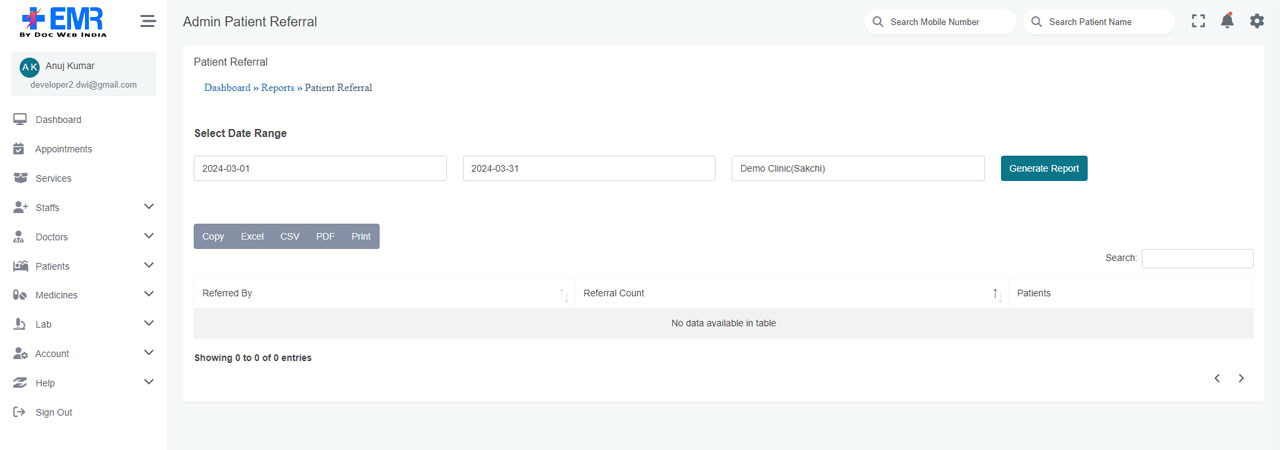
When you will click on Patient Referral Report button, it will lead you to following page from where you can view all patient referral reports.
Here you can select from date, to date and the clinic/hospital for which you want to generate report and hit Generate Report button:
When you will click on Diagnosis Report button, it will lead you to following page from where you can view all diagnosis reports.
Here you can select from date, to date and the clinic/hospital for which you want to generate report and hit Generate Report button:
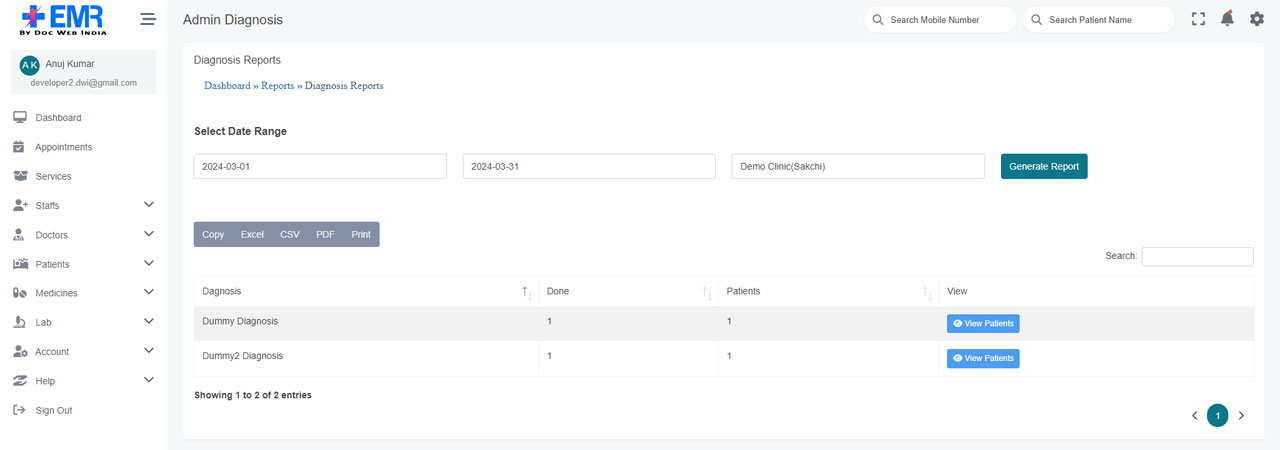
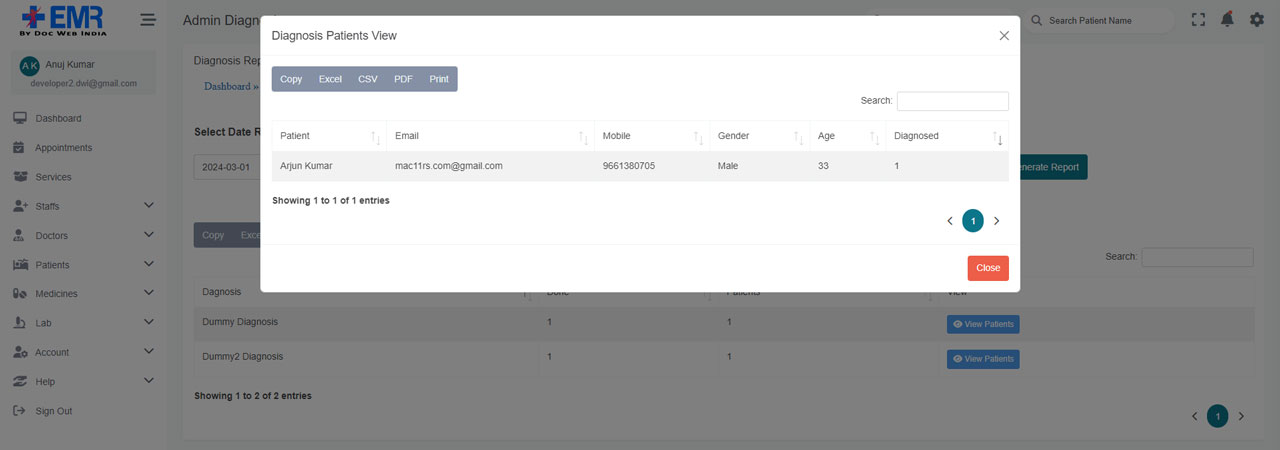
You can view who al the patients who have been diagnosed with the specific diagnosis:
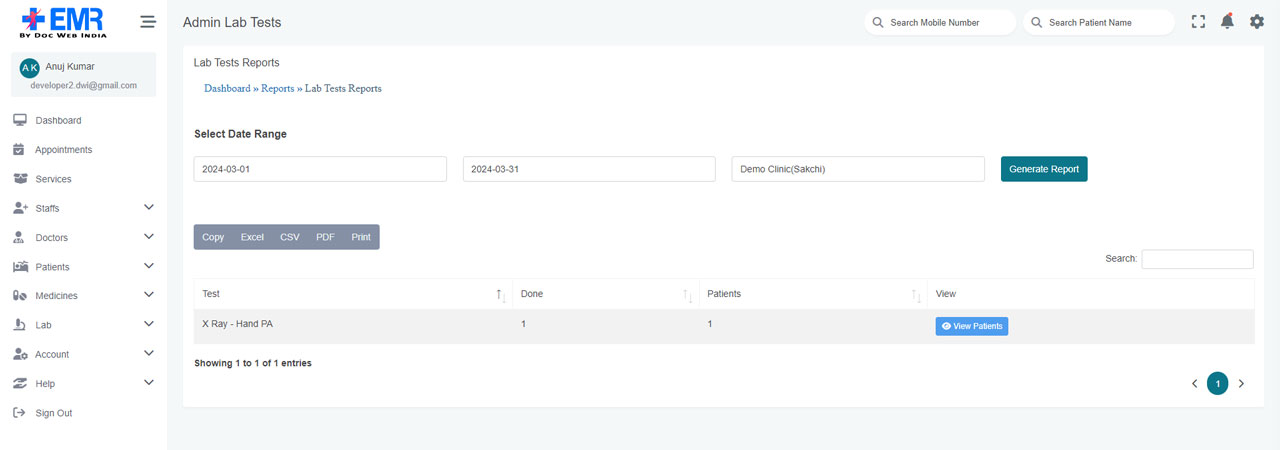
When you will click on Lab Test Report button, it will lead you to following page from where you can view all lab tests reports.
Here you can select from date, to date and the clinic/hospital for which you want to generate report and hit Generate Report button:
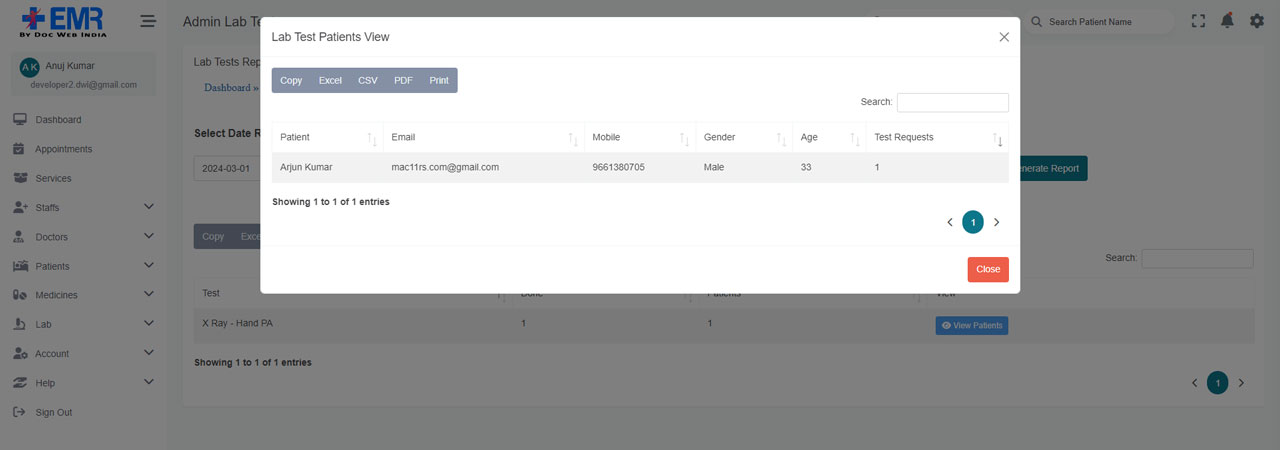
You can view who al the patients who have been requested for the specific lab test:
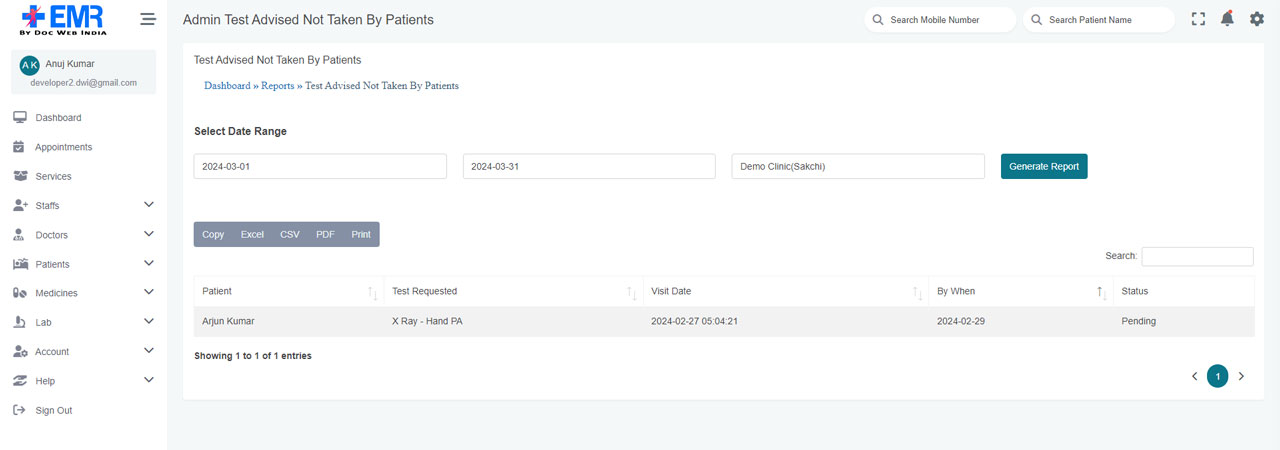
When you will click on Failed Tests Advised button, it will lead you to following page from where you can view all failed advised lab tests reports.
Here you can select from date, to date and the clinic/hospital for which you want to generate report and hit Generate Report button: