


Begin Your Admin Journey
What is Your Role as an Admin?As an EMR administrator for your organization, your role is to deliver a trusted ecosystem to your team where they can thrive successfully.
There is a list of activities that you must perform to utilize the benefits of the EMR tools in the best possible way, let us see a few examples of your core actions:
- Help your team learn and use the EMR tools appropriately
- Analyze metrics and make the best use of the data
- Update and maintain inventory of the records
We will help you discover your roles and actions in implementing EMR for your organization in the below-mentioned sections:
As an administrator your first step towards implementing EMR for your organization will involve entering details in the personal settings and defining the organization details, which will be visible to all users across the departments.
Personal Settings
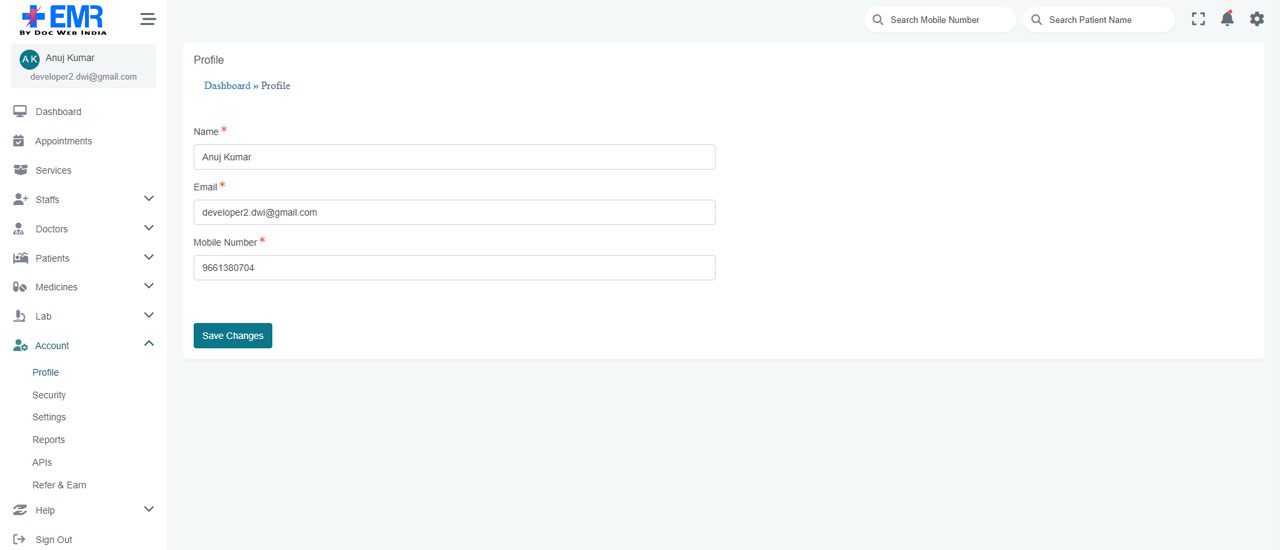
From Account Tab > Profile you can go to profile page and change your personal details.
Organization Settings
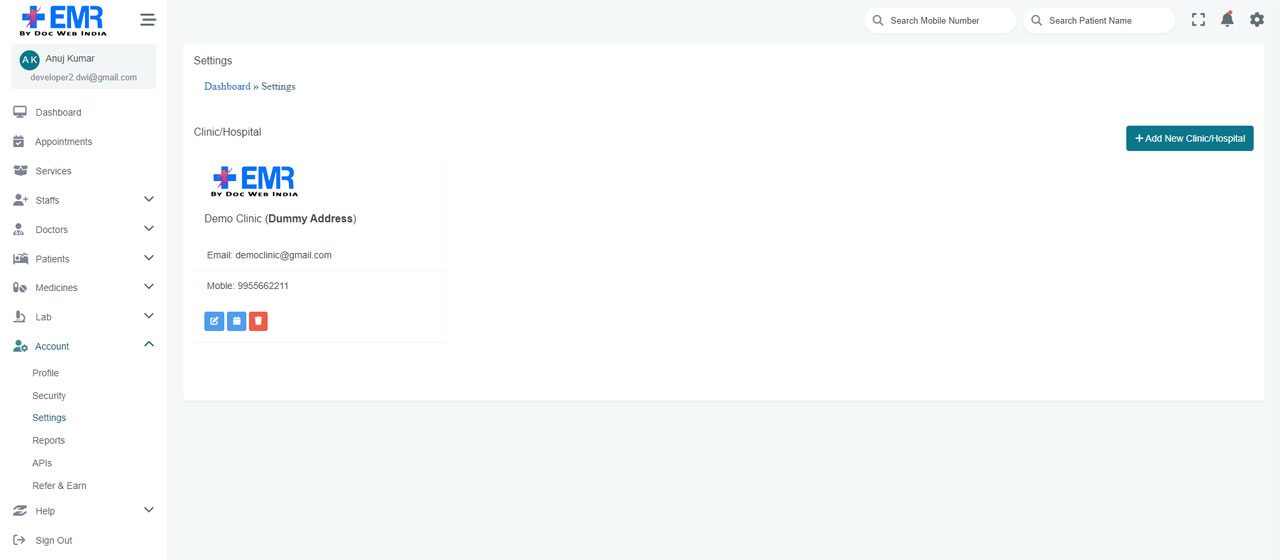
From Account Tab > Settings you can go to settings page and add-update-delete your clinic/hospital details.
Security Settings
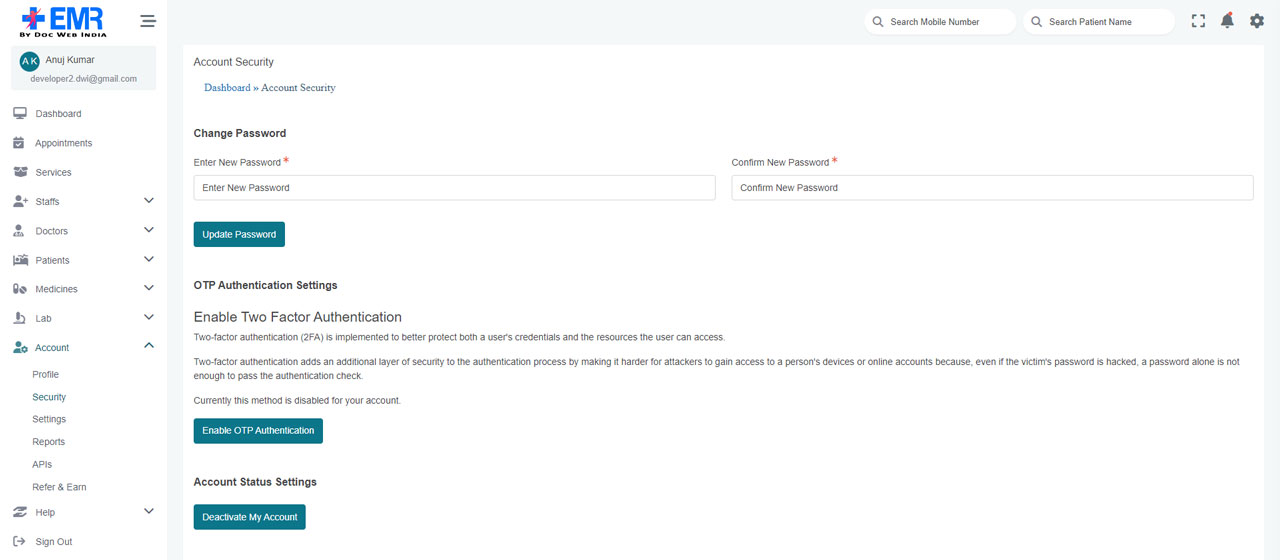
From Account Tab > Security you can go to security settings page and change your account password. You can also enable and disable OTP authentication system for your account login.